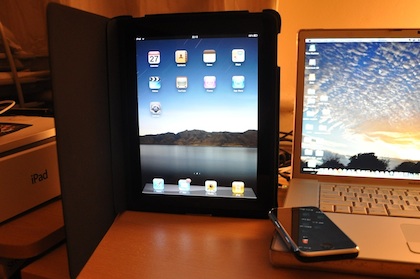
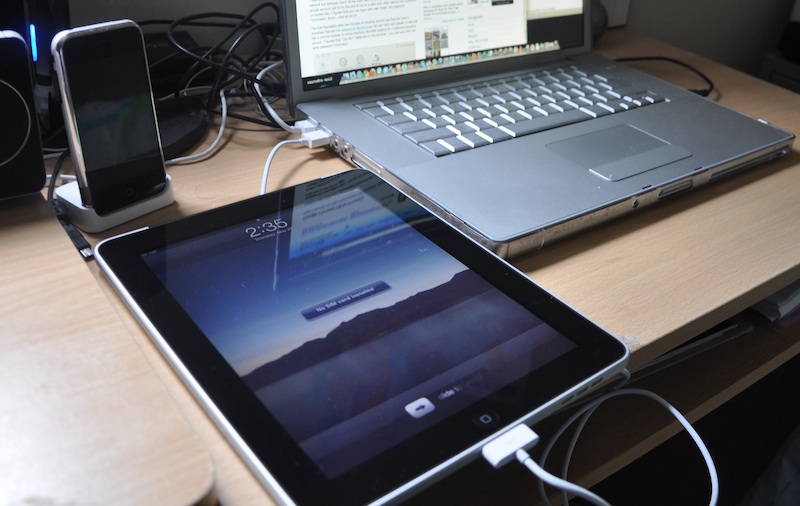
My wife called me on 27th afternoon to let me know that the eagerly awaited iPad was finally delivered. It arrived one day ahead of schedule. I couldn’t wait to get my hands on it. I asked her not to open until I got back from office :)

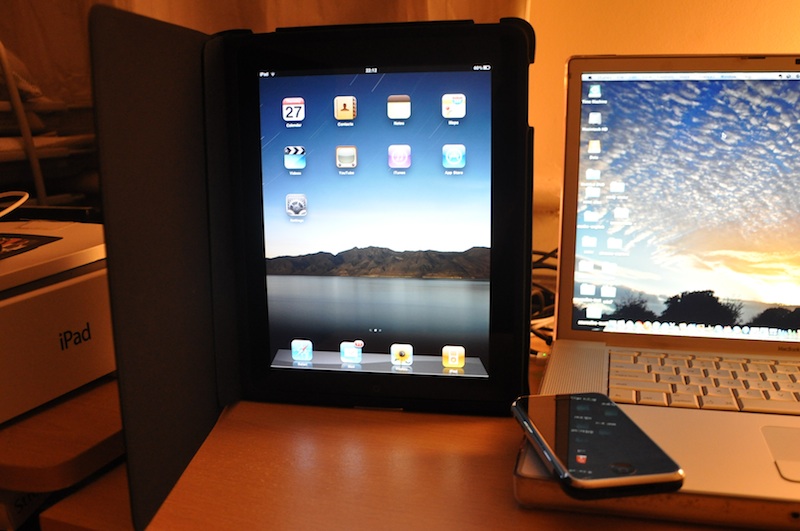
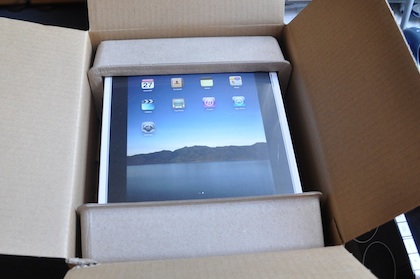
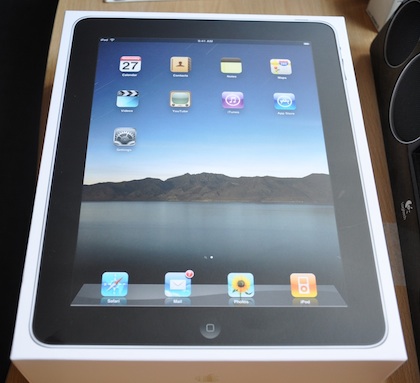
The out-of-the box experience was similar to iPhone. Small package with gorgeous and slim iPad inside. I ordered a 32GB Wifi + 3G model, mainly for the GPS and mobile internet. I thought extra 100 quid was worth it. I bought the apple iPad case as well, which is probably the best case for iPad available. It really suits the iPad and can become a stand while watching movies, slideshows or when you’re turning your ipad into a digital photo album.
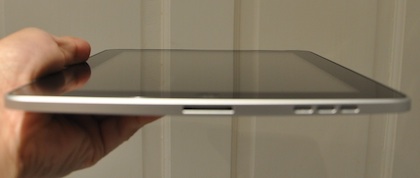
Ipad-Top-Small

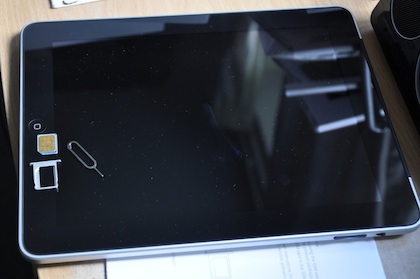
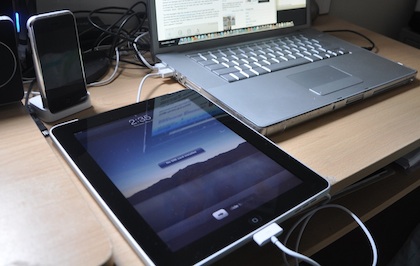
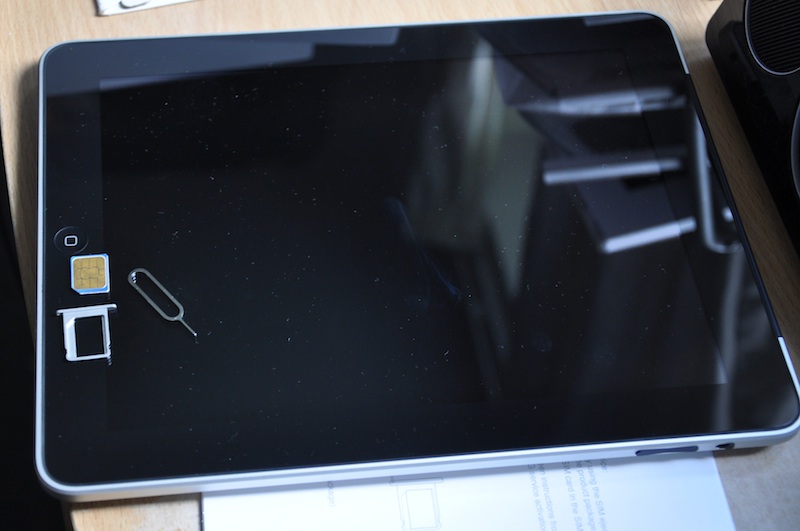
At first glance it looks like a big iPhone/iPod touch and if you’ve used them, it’s exactly the same way to use it. After all it runs the same iPhone OS. However, you’ll immediately start feeling the difference – mainly due to the speed and screen size. Everything is so much better than on iPhone. It was easy to connect to iTunes and get started (exactly like iphone). First thing I did was to connect to wifi, it couldn’t be easier! I ordered the O2 micro sim as well (pay & go). It was easy to insert and 3G internet works well.
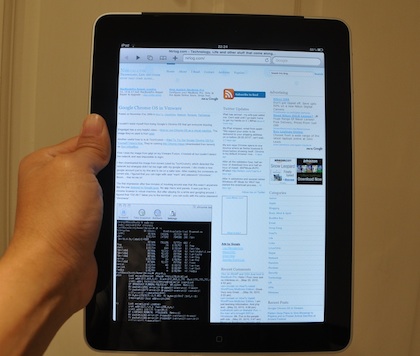
Ipad-Nirlog-Small-1

Physically it looks gorgeous and perfect in every way. I thought it’s slightly heavier than it looks, but feels very nice to hold and use. It’s very much like other apple devices with few buttons (one home, one power on the top, volume and orientation lock at the side).

Once you start using it, the first thing you notice is the speed – you touch the safari icon and it immediately springs into life, same is true for photos, ipod and every other app. It’s amazingly responsive! The soft keyboard is similar to the iphones, but keys don’t popup when you press them. They’re quite big, and you can actually do some real typing with it.

Default Apps

I setup my Gmail account in Mail app. It’s nice, I like the sidebar, where you can easily navigate the emails and once you click the mail you want to read, it opens that email in full screen. You go wow…! I think Gmail (mobile version) in the browser is quite good too, I like the way Gmail natively organizes conversations. The google reader mobile version on the web is also very good.

Photos is amazing, you feel like a magician when you pinch and expand photo collection with two fingers. Videos is fantastic, I can actually foresee watching full length movies on this screen, while on the move. The iPod is much better than on iPhone because of the larger screen size. Built-in speakers are not that bad too. Youtube is another great entertainer. Maps is stunning, specially the street view.

Third Party Apps

After using the default apps that came with iPad, I started browsing and downloading the free native apps from the app store. Some of my favorites are ibooks, pages, marvel comics, the guardian eyewitness, tweetdeck, rightmove, Wordpress, IMDB Movies and TV, Jampad, and … There aren’t as many native iPad apps as iPhone but I’m sure this is going to change with time. Anyway, you can use most of the existing iPhone apps too.
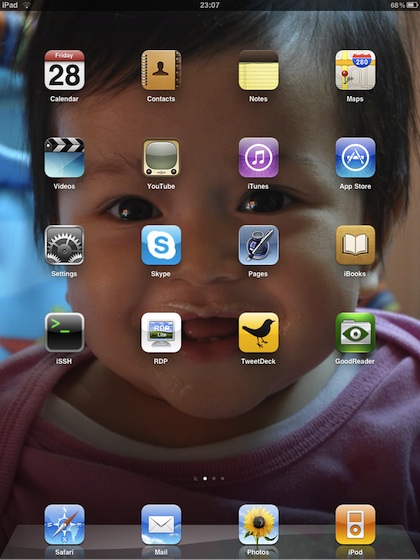
Ipad-Home-2

Network Admin/Productivity in iPad

Obviously web browser and the email client are the most important apps but besides that built-in VPN client works like a charm (it’s a cisco ipsec vpn client), I could easily connect to our office vpn.

Ipad-Vpn

RDP Lite and VNC Lite (both free apps) work very well to give you remote connectivity to windows machines.
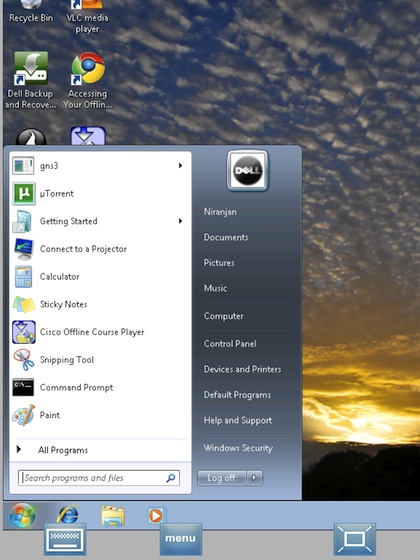
Ipad-Rdp

I couldn’t find any free SSH Client, so I bought iSSH for £5.99. It’s a decent ssh client, which also supports telnet and vnc.
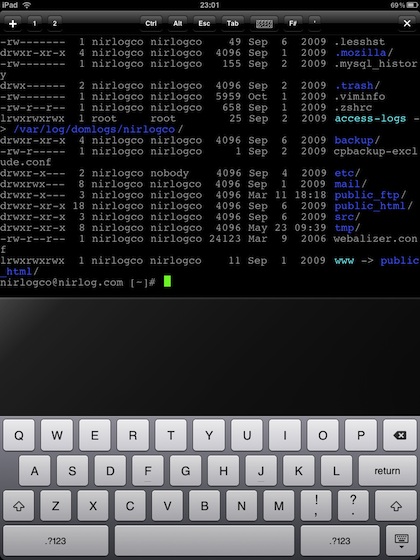
Ipad-Ssh

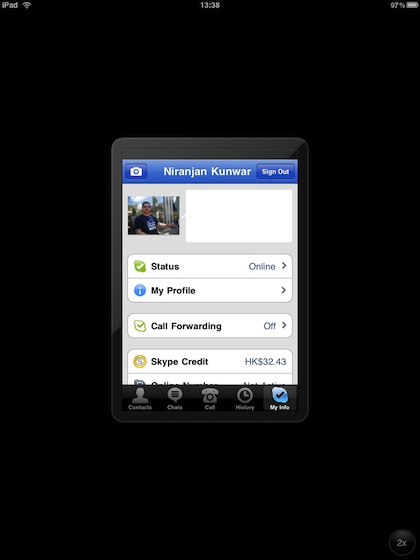
Skype doesn’t have a native ipad app yet but the iphone version works well on ipad as well.
Ipad-Skype

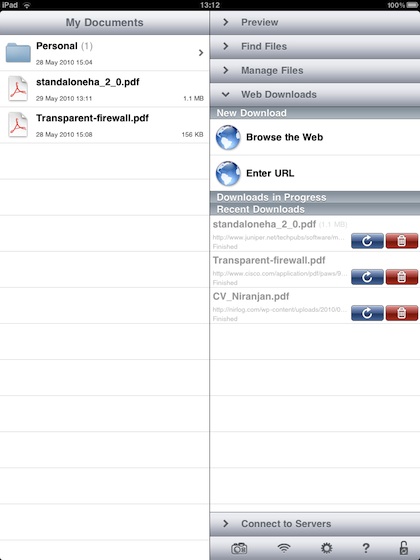
Although you can read pdf files online and attachments in email, there’s no way to save and organize them locally in ipad, so I bought GoodReader for iPad (£0.59). It’s a pdf reader as well as file organizer, I can now carry my pdfs around with me. It’s really nice.
Ipad-Goodreader-1

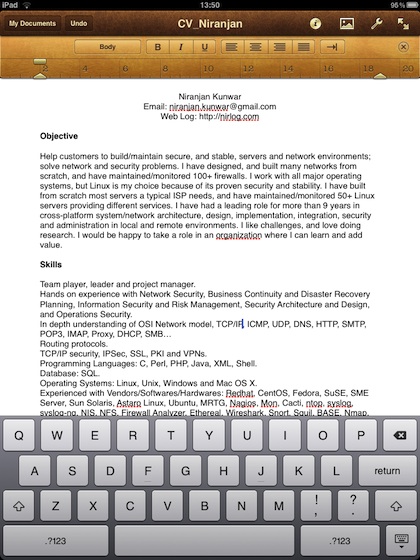
Initially, I thought I would continue to use Google Docs to create and manage my documents, but unfortunately mobile safari can only view the docs, not edit them. So, I bought pages for £5.99. But I think it’s useful and worth it. The interface is well designed for touch.
Ipad-Pages

Few things I don’t like

- No front-facing camera. I think there should be no excuse not to include it, but I’m sure second generation iPad will have it.
- No third-party multi-tasking capabilities. Apple is bringing them on with iPhone OS4, so that’s good.
- No file management. I think apple should have something like GoodReader built in to the OS or at least as a free app.

Conclusion

Currently I see iPad as an excellent content consumption device but not-so-much content creation. But it has the potential to change all that with future upgrades from apple and new apps from third-party developers. My son really loves playing games and watching youtube in it and my wife loves browsing facebook :) Unlike iPhone, which is my personal device, I see iPad becoming not just my personal device but our family device. Also, from now on I can go on short trips with my iPad, confidently leaving my notebook behind.

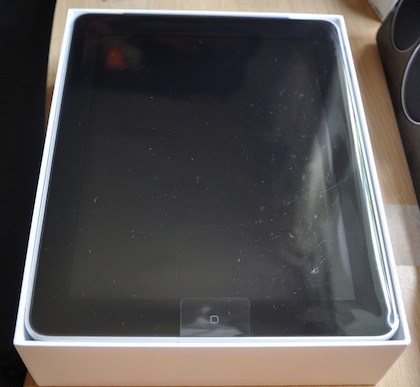
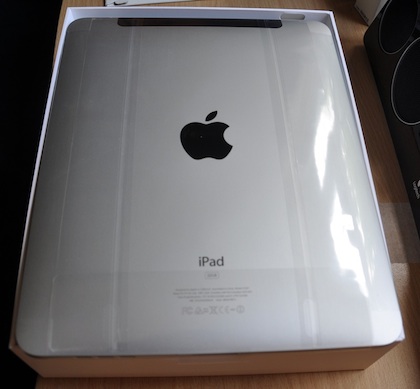
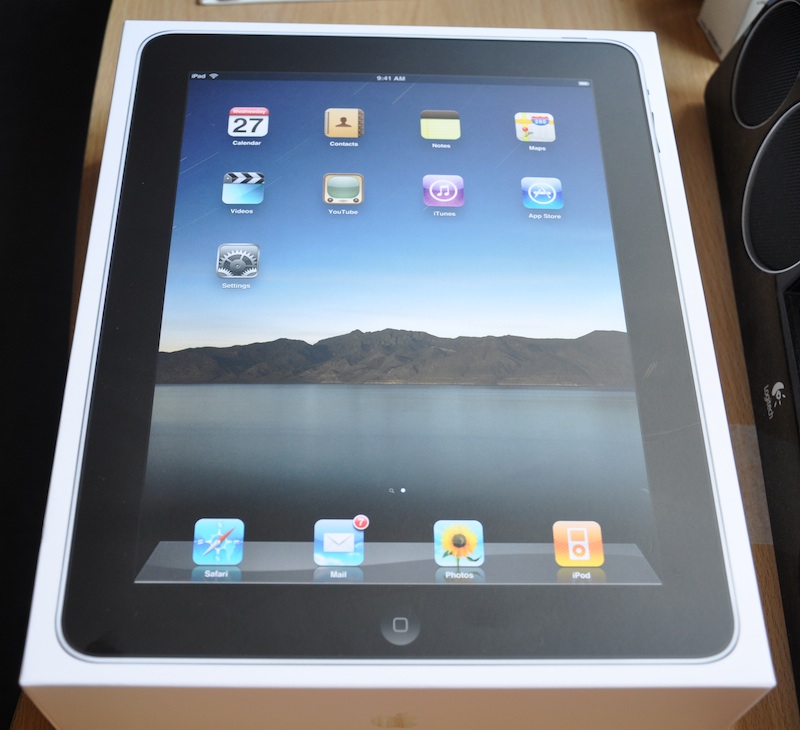
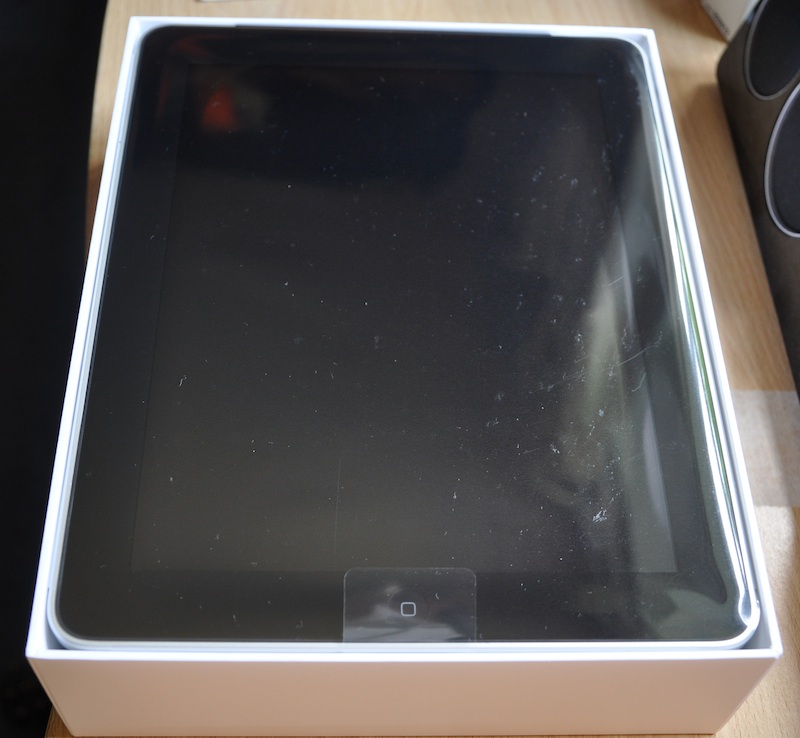
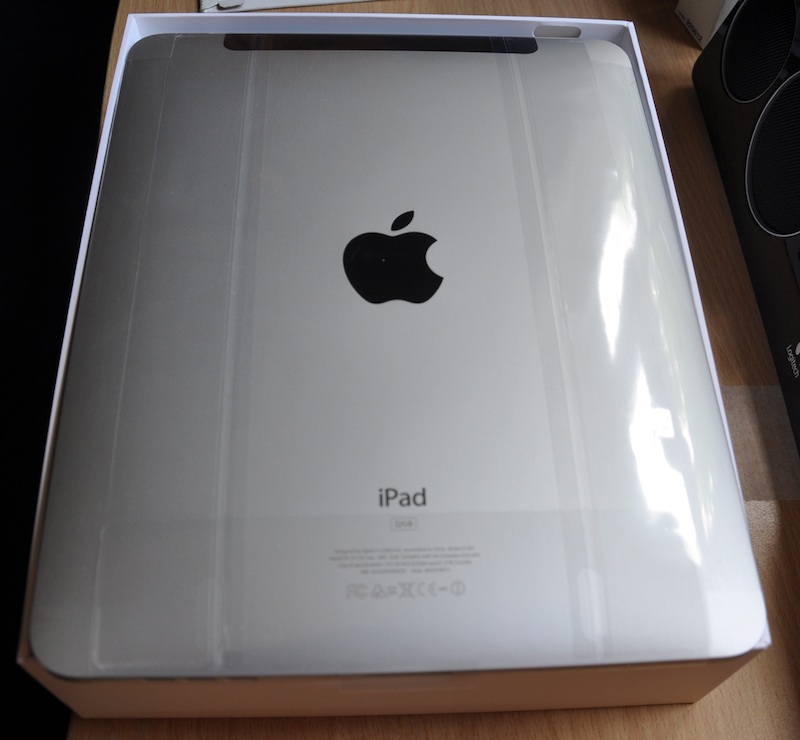
Here’re some unboxing photos that I’ve taken, enjoy…

Click on the photo for larger image.
Ipad-Box1-Small

Ipab-Box2-Small

Ipad-Open1-Small

Ipad-Open2-Small

Ipad-Micro-Sim-Small

Ipad-First-Connect-Small

Ipad-Case-Small

I couldn’t resist myself from trying Google’s Chrome OS that got everyone buzzing.

Engadget has a very helpful video – How-to: run Chrome OS as a virtual machine. The image they’ve used is from gdgt.

Another useful how to is at TechCrunch – Want To Try Out Google Chrome OS For Yourself? Here’s How. They’re running this Chrome image (downloaded from torrent) on Sun VirtualBox.

First I tried the image from gdgt on my Vmware Fusion, it booted ok but couldn’t detect the network and was impossible to login.

I then downloaded the image from torrent (used by TechCrunch), which detected the network but strangely didn’t let me login with my google account. I did create a new google account just to try this and to be on a safer side. After reading the comments on torrent site, I figured that you can login with user “mark” and password “chromeos”. Boom… that let me in!

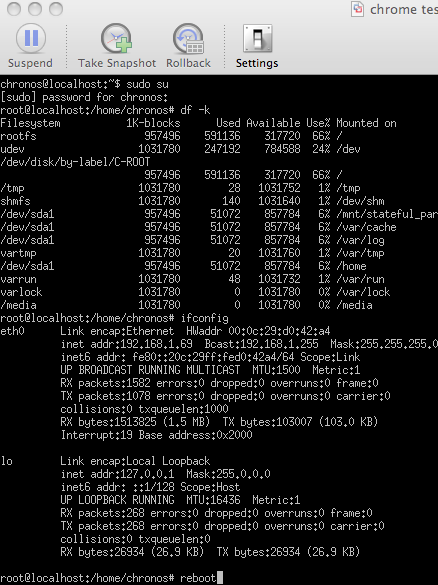
The first impression after few minutes of mocking around was that this wasn’t anywhere like the one demoed by Google guys. No app menu and panels. It was just like a chrome browser in virtual machine. But after playing for a while and googling around. I figured that “Ctrl Alt t” takes you to the terminal – you can sudo with the same password “chromeos”.

Chrome-Shell-Reboot-1
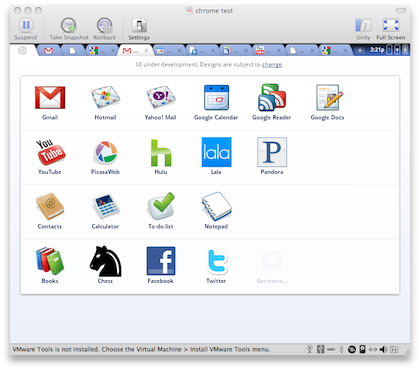
After rebooting the Chrome OS from command line and re-logging in, the App Menu became available.

Chrome-App-Tabs-1

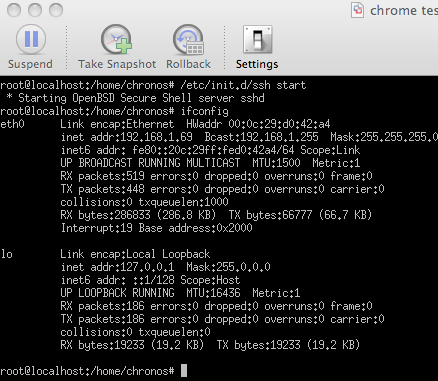
I could start the sshd

Chrome-Start-Ssh

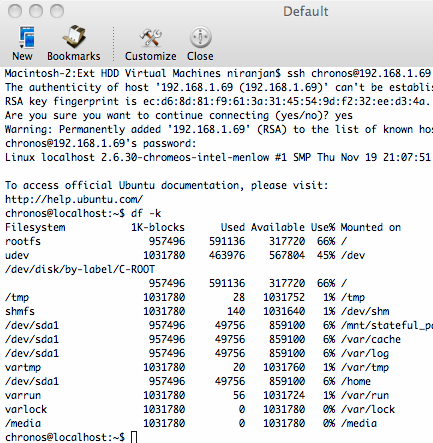
And remote login from my Mac
Chrome-Remote-Login

Personally, I think Chrome is trying to bring thin clients back in from of netbooks. Thin clients failed earlier because the networks were slow and “cloud” wasn’t there. But Chrome stands a chance as cloud is the future and it’s built with three very important goals in mind – Security, Speed and Reliability. Having said that, native softwares are absolutely must for it to succeed. Even iPhones need native apps!

As far as user experience is concerned, at the moment Chrome OS is nothing but a browser. If you want to experience the early Chrome OS – just install Chrome browser and browse your favorite sites :) . I’m sure this is going to change when Chrome OS is finally released for public next year.

Bio
Interesting development around Ram Bahadur Bomjan (Buddha Boy). He’s planning to give blessings and to protest animal sacrifice just ahead of gadimai festival.

From November 19th to the 24th, 2009 Palden Dorje a.k.a. Ram Bahadur Bomjan will be giving blessings in Ghadi Mai. He plans this appearance in order to protest the sacrificing of tens of thousands of animals before they take place on the 25th at the Ghadi Mai Festival near Nijgad in Bara District. This Ancient Nepali Festival has taken place once every five years over several millennia.

I completely support him on this one.

More about Gadimai

Wordpress-Logo-Stacked-Bg-1Finally, I’ve upgraded my wordpress installation to latest and greatest 2.8.4. I’m impressed with the latest version of wordpress. The admin section is sleek, intuitive and has several new features. I like the cool single-click auto upgrade feature.

For my RSS readers – wanted to let you know that Nirlog.com just got a facelift as well. I’ve changed my theme to Simple Balance 2.2, it’s a free theme loaded with pro features. I just love it. After testing around 20+ themes I settled for Simple Balance. It has a very clean look, options to choose different colors, supports widgets and has a built-in banner ads management system. It’s just perfect! Thanks Blogsessive for making such a nice theme and giving it for free. I’ve also tweaked the ads placement (hopefully this will give a better reading experience for those who read directly on the site). I’m displaying my last 5 tweets using a twitter widget, which is kinda cool. BTW, you can follow me on Twitter at http://twitter.com/nirlog

I’ve also moved my domain nirlog.com and this blog to hostmonster (affiliate link). They seem to have quite nice reviews and was recommended by my friend Mahesh. It’s pretty cheap too. One of the most important feature for me was the SSH access, which they have. So far so good, let’s see how it goes…

I would like to thank ISL (my previous employer in Hong Kong) for hosting my blog for free for such a long time :)

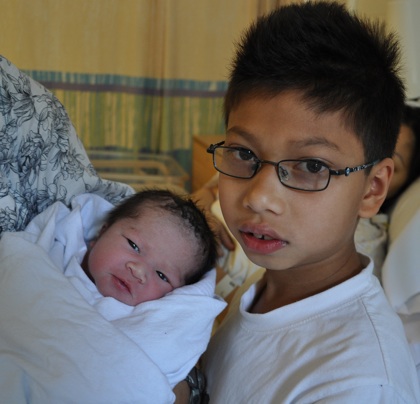
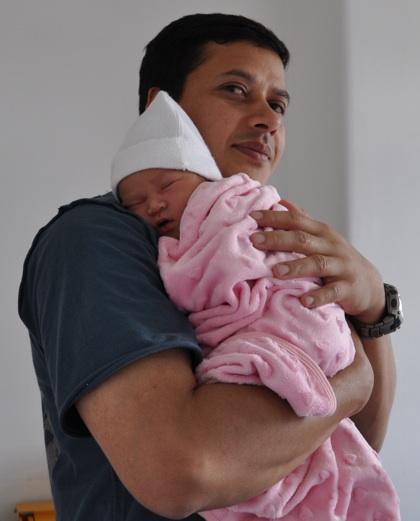
A quick note to share a moment of joy in my life with all of you. We had a baby daughter day before yesterday (14th July at 2 pm). Both mum and baby are doing fine. She weighed 3.66 kg at birth. Her name is Divya, and she completes our family.

It was a life changing experience being at the the operating theatre during her birth (I wasn’t allowed in the labour ward when my son was born in Hong Kong in 2000). Words can’t explain it! I’m sure all the dads who’re present at their child birth understand what I mean. The pain women has to go through and courage, love, care and tenderness that they show throughout pregnancy and birth is one of many things that make them so special. I think that’s one of the reasons mothers are so special in our life.

Here’re few photos I’ve taken.

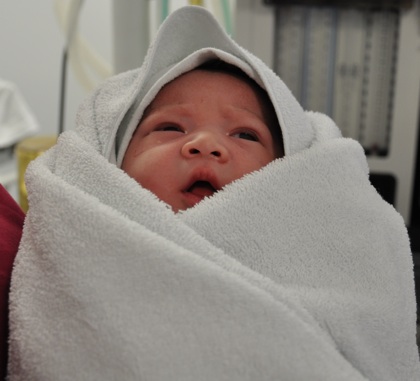
Minutes after birth
Divya-1

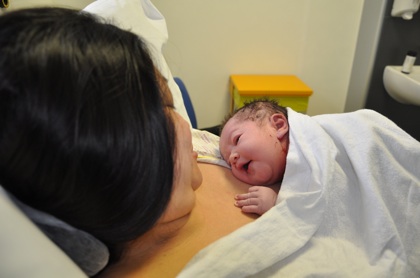
With her mum
Divya-2

With her brother
Divya-4
With her dad
Divya-3

Tags:

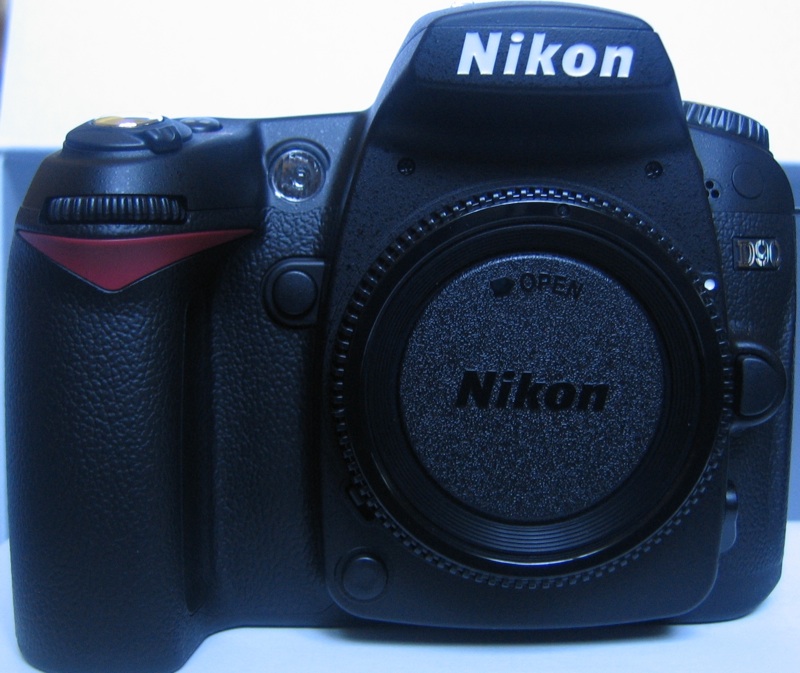
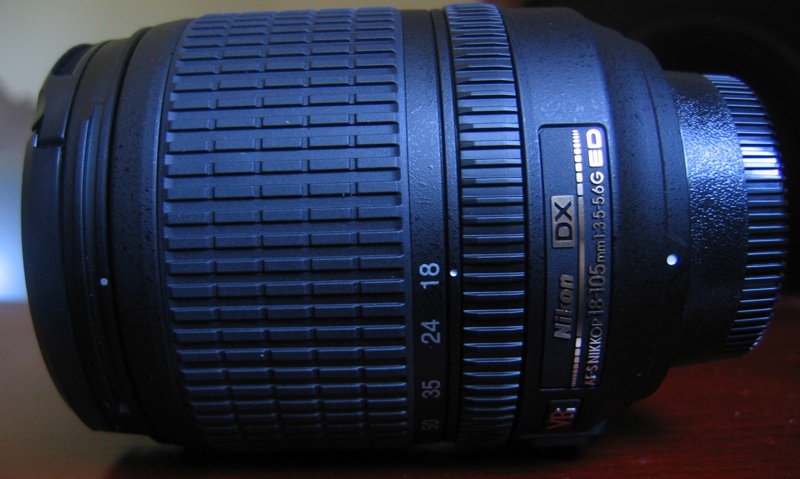
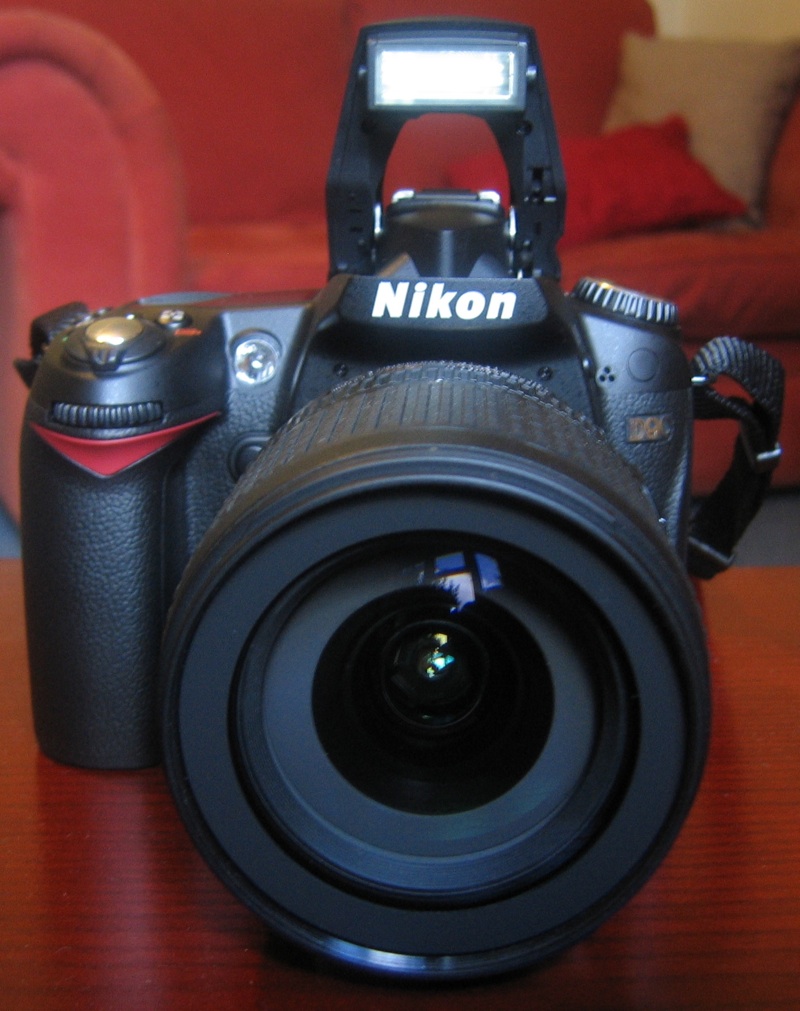
After getting myself into Amazon marketplace mess, finally my newly ordered D90 has arrived.

D90 is the very first DSLR to do HD video. I’ve taken few pictures and video with it and I’m impressed. The crisp quality pictures you get when you hook it up with your HD TV using hdmi connection is just breathtaking! I’ve bought few photography books and am reading all about ISOs, whitebalance, lenses, Aperture, Shutter speed, etc…

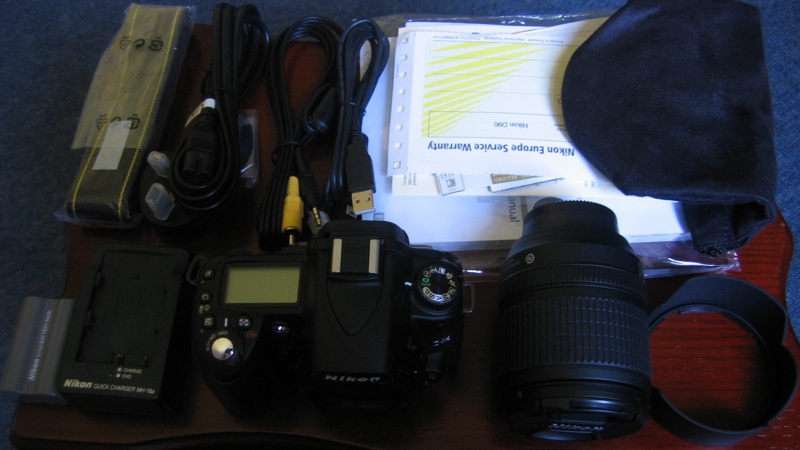
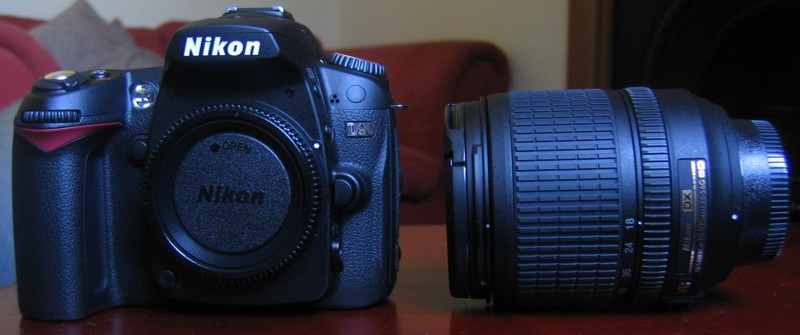
I’ve taken some pictures of my D90, enjoy…

Click on the photo for larger image.
D90-Box-Small

D90-Box-Inside-Small

D90-Body-Lens-Small

D90-Body-Small

D90-Lens-Small

D90-Body-Assembled-Small-1

Tags:

My son’s fathers day gift to me :)

Divyesh-Fathersday-Poem-Small

He’s now 8 and half. Here’s a masterpiece he made when he was 5 and half.

Tags:

For last few months I’d been craving for a DSLR. I thought it was about time to take a step forward from my old point n shoot Canon Powershot S50 and upgrade it to a decent DSLR. BTW, my wife and I are expecting our second child in mid July and thought it’s the right time to have a quality camera to take nice pictures. Spent quite some time researching which camera to buy that fitted my requirements and budget. I narrowed it down to Nikon D90, Nikon D5000 and Canon Rebel T1i / EOS 500D, and finally decided to go for Nikon D90.

I was keeping my eye on the price of D90 in UK at Camera Price Buster (very useful site indeed!). When I was ready to buy it from Currys (it was £709.00 at that time), just decided to do a last minute check on Amazon (I prefer buying from Amazon because never had any problems in the past) and to my surprise Nikon D90 Digital SLR Camera, 18-105 VR Kit was there for just £649.99 by a seller called “rodneyjwillis”. Almost £60 cheaper, Excellent – I thought. Checked the sellers profile/review – it had 100% positive feedback from the buyers, nice comments and seller was with Amazon for almost a year. So, ordered it from Amazon marketplace. I didn’t see anything phisy at that time and anyway I was aware that paying via Amazon will guarantee my purchase with their A-to-z guarantee scheme.

When all other stuff I ordered together with D90 arrived (camera bag, sd card and d90 book), but there was no sign of my D90 being dispatched, let alone delivered. I sensed something was wrong. Went back and checked the seller’s profile – there was one new feedback saying

“BEWARE! This account is being used in a scam – items don’t arrive!”

Rodneyjwills-Profile


Continue reading Amazon Marketplace scam

Tags:

Mbp 15Suddenly my MacBook Pro failed to wake up from it’s sleep. I thought it’s one of those problems which gets fixed after a hard reboot, but I was wrong! There’s no display after several power cycles. My MBP is one and half years old and I regretted not buying an apple care. Pressed the power button and turned it on again, it chimes, and after a while I could increase/decrease volume using the keyboard, but there’s no display.

After Googling a for a while I found about MacBook Pros with faulty Nvidia GPU.

Apple has determined that some MacBook Pro computers with the NVIDIA GeForce 8600M GT graphics processor may be affected. If the NVIDIA graphics processor in your MacBook Pro has failed, or fails within two years of the original date of purchase, a repair will be done free of charge, even if your MacBook Pro is out of warranty.

Good – I thought, if that’s the case it’ll be a free repair. My MacBook Pro fitted all the descriptions, but I decided to do some further troubleshooting myself as per apple’s recommendation, tried external display and even changed the RAM (I had the original 2GB RAM, which I’d upgraded few months back to 4GB). Finally called apple, and the support guy asked me to take my MBP to apple store to be seen by a Genius.

I made an appointment with a Genius in Apple Store, Bentall Centre. A friendly Genius took my MBP in to do some test (they’ve a special test for nvidia issue) and came back to tell me that the logic board was faulty. I told him that the OS is actually booting, only the display is not working. Showed him that the volume key works, but he told me that volume key actually works without the OS (but I was not so sure). So, finally he gave me a £771.65 repair estimate quotation for the logic board replacement. I came back with my MBP and was already thinking about buying a new one.

Back at home, I turned on the MBP again and left it on for a while, I could see it joining the wireless access point and could even ping it’s ip address from another pc. At this point I was pretty much convinced that it’s not the logic board but only display problem. I booked another session with Apple Genius, but this time in a different store at White City. Showed my MBP to this Genius, explained him what happens. He said – he’ll need to do one test, booted my MBP using an external hard disk and told me “Yes, it’s a NVIDIA issue, we’ll repair it free of charge”.

So, apple took exactly 2 weeks to repair my MBP, the logic board was replaced. The receipt shows £771.65, but with payment method – “No Charge”. I’m glad to have this fixed free of charge (was nearly duped into paying £771.65 or even buying a new MBP).

If you have a MacBook Pro with display problem it’s very likely to be a NVIDIA issue even if one Genius says it’s not!

Tags:

SfcppinHurray…! My intense work for last couple of weeks has finally paid off. Yeah, I’ve just passed my SFCP (Source Fire Certified Professional) Certification Exam.

First briefly about the company – Sourcerfire was founded by the author of Snort (an open source network intrusion prevention and detection system). Snort is the most popular and widely deployed IDS/IPS and has become the de facto standard for the industry.

So, why do we need Sourcefire (very expensive) if Snort is the best and free?

Right, Snort is the best and free out there but it’s implementation, management and maintenance is not a piece of cake for everyone; that’s where sourcefire comes into play. Sourcefire uses snort at it’s heart to utilize it’s powerful IDS/IPS techonology, with added benefit of plug-n-protect simplicity (the purpose-built appliance is easy to install, maintain and manage), and it comes with tons of extra features that make it very powerful. Sourcefire adds an Adaptive IPS and Enterprise Threat Management (ETM) on top of the Snort IPS. It is managed via user-friendly and intuitive web interface, of course you can always do your advanced config from the shell because it’s a snort installed in a linux box anyway.

Components of Sourcefire 3D System

Sourcefire 3D System is comprised of two appliances (Sourcefire Defense Center and Sourcefire 3D Sensor).

Sourcefire Defense Center (DC) is a centralized management console to manage the sensors, centralized event aggregation and sensor policy administration.

Sourcefire 3D Sensors are purpose-built network security appliances that passively aggregate network and user intelligence while defending the network against internal and external threats.

3D Sensor Modules

Each Sourcefire 3D Sensor is capable of running any combination of the following four software components (you need to buy them separately):

Sourcefire IPS (Intrusion Prevention System) it’s the mighty snort running in background, where you can use rules-based detection engine and utilize the acclaimed Vulnerability Research Team (VRT) to protect your network. The IPS component is included in the base system.

Sourcefire RNA (Real-time Network Awareness) passively monitors real-time network traffic and gathers network intelligence, it can detect operating systems, services, applications, protocols, and potential vulnerabilities that exist on your network. This is a very useful component of Sourcefire but you’ll need to buy the RNA license separately.

Sourcefire RUA (Real-time User Awareness) helps to identify the user identity and contact information, it pairs Active Directory and LDAP usernames with host IP addresses involved in security and compliance events. You’ll need to buy the RUA license separately.

Sourcefire NetFlow Analysis is an optional component of Sourcefire’s Network Behavior Analysis (NBA) solution. It gives additional insight to network threats by aggregating and analyzing NetFlow from routers and switches.

Master-Defence-Center
Sourcefire 3D System deployment with Master Defense Center

OK that was about sourcefire. Here’s how you go about getting certified.


Continue reading Sourcefire and SFCP Certification

Tags: