DVD stuck and MacBook Pro opened

A dvd disk got stuck inside the optical drive of MacBook Pro and couldn’t be ejected. I tried to eject it from WinXp, without success. Pressed F12 and Eject button in OSX but the disk wouldn’t come out. The drive was responding with some sound and seemed like it was trying to eject the disk but with no success. So, we opened it and here’s how MacBook Pro looks naked.
The keyboard lifted up
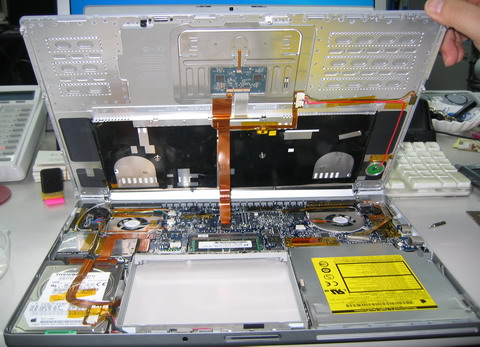
The Keyboard detached and flipped
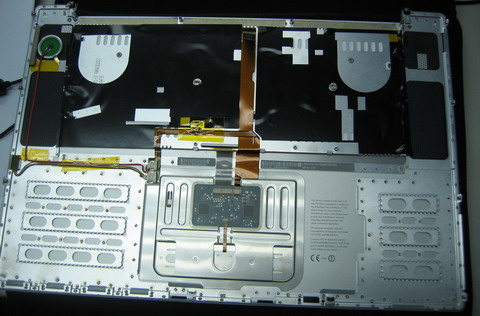
Taking out the optical drive
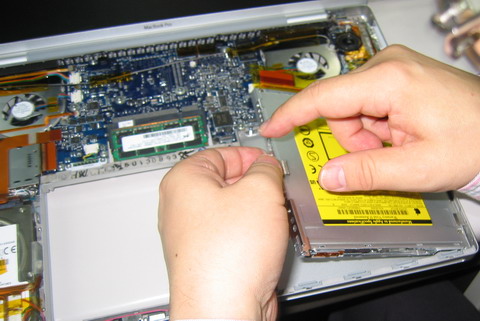
Without keyboard and optical dirve
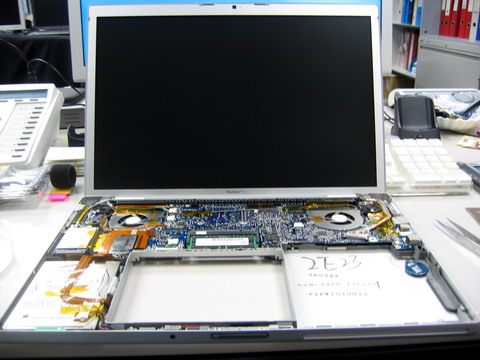
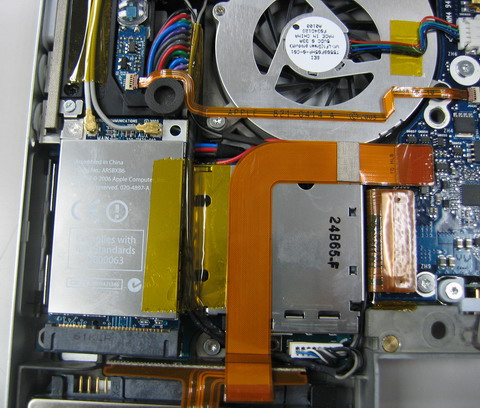
Wireless and CPU on the upper left corner that generates a lot of heat
Optical drive dissected and the stuck disk taken out

After re-assembling back, the optical drive works fine. Not sure what was the problem because the stuck dvd disk works fine in other drives. Other disks don’t have any problem with the MacBook Pro’s drive too. So, I’m not inserting this particular disk to avoid ripping the MacBook Pro again.






For me, the path was more rewarding than the solution. 🙂
There is another way for getting out atuck CD’s – when you start up, click and hold the mouse.
If that does’nt work out, you have to put something into your optical drive, to prevent disc from spinning, when the computer starts… for example – credidcard.
How’d you get the disk out exactly?